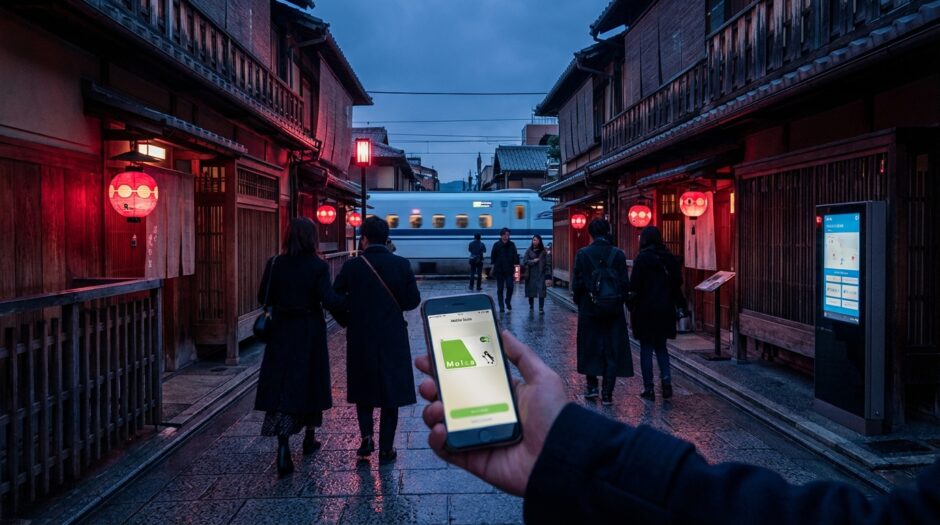

The Smart Traveler’s Guide to Mobile Suica: Navigating Japan’s Digital Payment Systems
You’ve just landed at Narita or Haneda. You’re tired, your bags are heavy, and you’re staring at a wall of colorful, complex train maps and ticket machines. In the past, your first mission would be to hunt down a physical IC card like Suica or Pasmo. But here’s the “Japan Hack”: physical cards are becoming relics of the past. Due to global semiconductor shortages, finding a standard physical Suica card is currently harder than finding a quiet spot in Shibuya Crossing.
The modern, smart traveler skips the line entirely. By integrating Mobile Suica into your smartphone before you even leave the airport—or even before you leave your home country—you unlock a seamless, “tap-and-go” lifestyle that covers everything from the Shinkansen to a late-night snack at 7-Eleven. Here is everything you need to know to master Japan’s digital payment ecosystem.
Quick Summary: Japan Hacks
- Skip the Physical Card: Most physical Suica/Pasmo cards are currently discontinued for tourists; go digital instead.
- iPhone is King: Apple Wallet integration is seamless for international devices. Android users need a Japan-market phone (Osaifu-Keitai).
- The “Visa” Workaround: Non-Japanese Visa cards often fail in the app; use Mastercard or Amex for easy top-ups.
- Beyond Trains: Use your Suica at vending machines, lockers, and almost every convenience store in the country.
1. Why Mobile Suica is Your Best Travel Companion
In Japan, “IC Cards” are stored-value cards used primarily for public transport. However, they have evolved into a ubiquitous payment method. Mobile Suica (and its sibling, Mobile Pasmo) lives in your phone’s digital wallet. The benefits are massive: you don’t need to fumble for coins, you get real-time balance updates, and you can “recharge” your card anywhere using your saved credit card. No more standing in line at ticket machines while your train pulls away from the platform.
2. The Hardware Reality: iPhone vs. Android
This is where many travelers get tripped up. Japan uses a specific NFC technology called FeliCa.
- For iPhone Users: Good news! Since the iPhone 8, all iPhones sold globally include FeliCa hardware. You can add a Suica card directly through your Apple Wallet in seconds. No Japanese phone is required.
- For Android Users: The hurdle. Most Android phones purchased outside of Japan (Pixel, Samsung, etc.) do not have the FeliCa chip enabled, even if they have NFC. Unless you have a handset specifically bought in Japan, you likely won’t be able to use Mobile Suica. In this case, your best bet is to look for a “Welcome Suica” (tourist physical card) or rely on “Touch Payment” (contactless credit cards) which are slowly being rolled out in major cities.
3. How to Set Up Mobile Suica on iPhone
Setting this up is a breeze. Follow these steps to be ready before you touch down:
- Open Apple Wallet: Tap the “+” icon in the top right corner.
- Select “Transit Card”: Scroll down and search for “Suica” or “Pasmo.”
- Transfer or Create: Do not try to “transfer” a physical card unless you already have one. Simply choose to “Add Money” to create a brand-new digital card.
- Fund the Card: Enter the amount (1,000 JPY is a good start) and pay with Apple Pay.
4. Where Can You Actually Use It?
Don’t limit yourself to the subway turnstiles. Your Mobile Suica is essentially a digital wallet accepted at millions of locations. Look for the “IC” logo or the Suica penguin mascot.
| Category | Where to Tap |
|---|---|
| Transport | Trains, Subways, Buses, and even some Taxis. |
| Convenience | 7-Eleven, Lawson, FamilyMart, Daily Yamazaki. |
| Vending | Almost all drink vending machines and station lockers. |
| Dining | Fast food (McDonald’s, Yoshinoya) and many chain cafes. |
5. Navigating Like a Local: Manner Alerts
Japan is a culture of flow and efficiency. Nothing marks you as a “clueless tourist” faster than causing a bottleneck at a ticket gate. To keep things moving smoothly, remember these local etiquette tips:
2. Low Balance: If your phone beeps and the gate closes, don’t panic. Step to the side immediately. Use your phone to top up your balance via the app, then try again. Don’t try to force the gate!
6. Frequently Asked Questions (The “Pro” Edition)
Q: What if my phone battery dies?
On modern iPhones, “Power Reserve” allows you to use your transit cards for up to five hours after the red battery icon appears. However, it’s always smart to carry a small power bank.
Q: Can I use Mobile Suica for the Shinkansen?
Yes, but it requires an extra step. You must register your Suica ID number on the “Smart EX” app or website. For most travelers, it’s easier to buy Shinkansen tickets separately, but for the ultimate “pro” experience, Smart EX allows you to tap into the bullet train using just your phone.
Q: Can I get a refund of my balance?
Refunding a digital Suica is notoriously difficult for tourists as it often requires a Japanese bank account. The better “Japan Hack”? Spend your remaining balance down to the last yen at a convenience store at the airport before you fly out. You can pay the remainder in cash!
Final Thoughts
Embracing Mobile Suica is more than just a convenience—it’s about moving through Japan with the same grace and efficiency as a Tokyoite. By setting up your digital wallet before you arrive, you bypass the confusion of the ticket kiosks and head straight for the adventure. Tap, beep, and go—Japan is waiting for you.