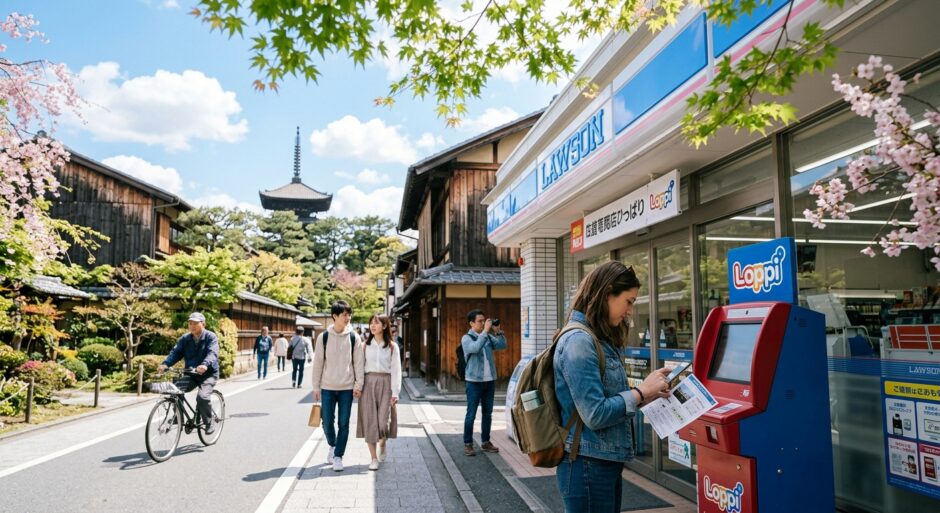

🌸 **Konichiwa, Smart Travelers!** 🏯 🍜
So, you’ve finally done it. You navigated a Japanese website in broken Chrome-translated English, secured those elusive Ghibli Museum tickets, or grabbed a seat on the overnight Willer Express bus. You’ve got your reservation code, and all that stands between you and your dream itinerary is a small, glowing kiosk in a brightly lit Lawson or FamilyMart.
**But wait.** This is where many travelers’ dreams go to die. Between the wall of Kanji, the confusing touchscreens, and the strict time limits, those kiosks—**Loppi** (Lawson) and **FamiPort/Multi-Copy** (FamilyMart)—can be more intimidating than a Shinjuku station exit at rush hour.
At **Japan Hacks**, we don’t want you to lose your booking at the finish line. Here is your ultimate guide to avoiding the 5 most common mistakes at Japanese conbini kiosks.
🇯🇵 Quick Hack Summary
- ✅ The Receipt is NOT the Ticket: You must take the printed slip to the cashier within 30 minutes.
- ✅ Know Your Machine: Lawson uses Loppi; FamilyMart uses FamiPort. They are NOT interchangeable.
- ✅ Screenshot Everything: Have your reservation number and the phone number used for booking ready.
(Moderate)
—
1. The “30-Minute Receipt” Trap ⏱️
This is the #1 mistake travelers make. You successfully enter your code, the machine whirrs to life, and out pops a long, thin white slip of thermal paper. You think, *”Great! I have my ticket,”* and you walk out of the store to go get ramen.
**Stop!** That slip is **not** your ticket. It is a payment voucher.
The machine has essentially “reserved” the terminal’s transaction. You must take that slip to the front counter cashier immediately. If you don’t pay within **30 minutes**, the transaction is automatically cancelled by the system, and your reservation might be released back into the wild for someone else to grab.
⚠️ Manner Alert!
If there is a long line at the register, don’t wait until the last minute of your 30-minute window. Cashiers in Japan move fast, but a technical glitch or a shift change could cost you your booking!
—
2. Wrong Store, Wrong Machine 🏪
In the world of Japanese convenience stores, brand loyalty is everything. If you booked a ticket via **Lawson Tickets (L-Tike)**, you cannot pay for it at FamilyMart. If you used **ePlus**, you likely need FamilyMart or 7-Eleven.
📊 Machine Accessibility
Best for Ghibli, Disney, L-Tike
Best for Highway Buses, ePlus, CN Tickets
**Japan Hack:** Always check your confirmation email for the specific logo of the conbini. If you see a blue milk bottle, head to Lawson. If you see green and white stripes, head to FamilyMart.
—
3. The “Phone Number” Identity Crisis 📱
When you arrive at the Loppi or FamiPort, the machine will ask for two things:
1. **Your Reservation/Reference Number** (usually 10+ digits).
2. **Your Registered Phone Number.**
Many travelers forget which phone number they used during the online booking. Was it your home country number? Did you add the country code? Or did you use a “dummy” Japanese number like `080-1234-5678` because the website required a Japanese format?
**The machine doesn’t care if the number is real; it only cares that it matches your booking exactly.**
💡 Pro-Tip:
Take a screenshot of the final confirmation page when booking online. This page usually lists the exact phone number string you entered. If you typed “81” before your number, you must type “81” at the kiosk!
—
予約番号
(Yoyaku Bangō)
“Reservation Number”
—
4. Full-Width vs. Half-Width Name Entry ⌨️
If you are picking up a ticket that requires you to type your name (common for concert or bus tickets), you might hit a wall. Japanese kiosks often use a specific character width called “Full-Width” (Zenkaku).
If you try to type your name in standard “Half-Width” English letters, the “Next” button might remain greyed out.
**The Fix:** Look for a button on the touch keyboard that says **”English”** or **”アルファベット”** (Alphabet). If that doesn’t work, you may need to enter your name in **Katakana**.
—
5. Ignoring the “Maintenance” Windows 🛠️
You might think that because Lawson is open 24/7, Loppi is also 24/7. **Wrong.**
Many ticketing systems (especially for major concerts or sports) go offline for maintenance between **2:00 AM and 6:00 AM**. If your payment deadline is 11:59 PM on a Tuesday, and you show up at 12:05 AM on Wednesday, the machine will reject your code, and your reservation will be void.
**Japan Hack:** Never wait until the last day of your payment window. Aim to pay at least 24 hours before the deadline to account for any machine errors or “Out of Order” signs.
—
Bonus Hack: The QR Code Shortcut 📲
Most modern booking confirmation emails (like those from **Klook, Willer, or Ghibli**) now include a **QR Code**.
Instead of typing in 16 digits and your phone number while a line of salarymen sighs behind you, look for the small scanner glass below the screen. Tap the “QR Code” button on the main menu, scan your phone, and the machine will automatically pull up your info.
**It’s faster, safer, and much more “Japan Hacks” approved.**
—