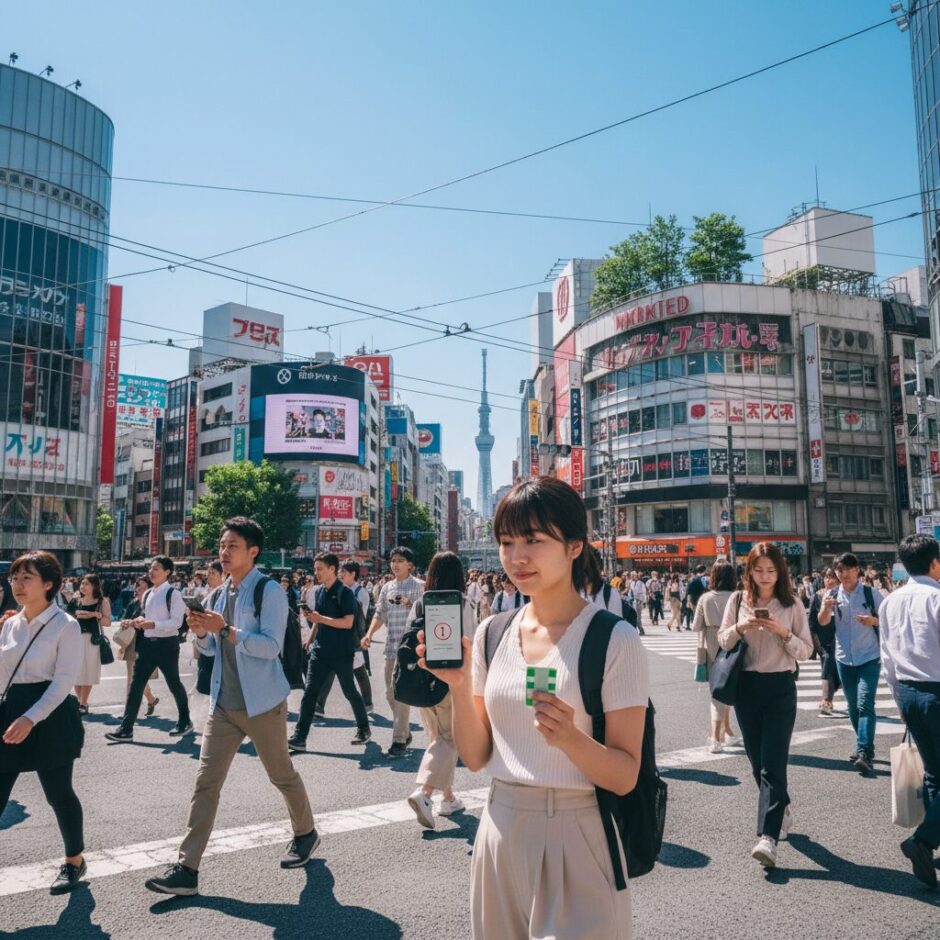

Suica on Apple Wallet: How to Fix Top-Up Errors and Master Digital Payments in Japan 🌸🏯💨
Welcome to Japan! You’ve landed at Narita or Haneda, the air smells like delicious convenience store fried chicken, and you’re ready to conquer Tokyo. You pull out your iPhone, try to add 5,000 yen to your digital Suica card, and then… **”Payment Not Completed.”** 😱
Don’t panic. You aren’t the first traveler to be defeated by a digital gate, and you won’t be the last. At **Japan Hacks**, we believe your focus should be on finding the best ramen, not fighting with your phone.
In this guide, we’re going to solve the “Visa Vexation,” teach you the secret 2:00 AM rule, and show you how to move through Japan with the grace of a Shinkansen. Let’s master the art of the digital tap!
🇯🇵 Quick Hack Summary
- ✅ The Visa Problem: Most foreign Visa cards fail on Apple Wallet for Suica. Use **Mastercard or Amex** instead.
- ✅ Midnight Maintenance: You cannot top up between **2:00 AM and 4:00 AM JST**.
- ✅ Cash is Backup: You can still charge your digital Suica with physical Yen at 7-Eleven ATMs.
- ✅ Express Mode: You don’t need to wake your phone or use FaceID to tap through gates!
(Easy-ish)
—
## 💳 Why Your Credit Card is Failing (The “Visa Vexation”)
The most common frustration for tourists is the dreaded “Payment Not Completed” error. If you are using a Visa card issued outside of Japan, it is highly likely to fail when topping up Suica, PASMO, or ICOCA in Apple Wallet.
**Why?** It comes down to a security protocol mismatch between international Visa networks and the Japanese payment processors (3D Secure issues).
📊 Top-Up Success Rate by Card Type
99% Success
20% Success
100% Success
### 🛠️ The Fix:
If your Visa is failing, try adding a **Mastercard** or **American Express** card to your Apple Wallet. These almost always work instantaneously. If you only have Visa, your best bet is to use the physical cash method (detailed below).
—
## 🌙 The 2:00 AM Lockdown: JR East Maintenance
You’re heading back to your hotel after a late-night karaoke session. You try to add funds to your Suica at 2:30 AM, and it fails repeatedly.
**This isn’t a bug; it’s a feature.**
Every night, between approximately **2:00 AM and 4:00 AM Japan Standard Time (JST)**, the JR East systems undergo maintenance. During this window, digital top-ups via Apple Pay are disabled.
💡 Pro-Tip: The Midnight Top-Up
Always check your balance before 1:00 AM if you plan on taking the first train of the morning (usually around 5:00 AM). It saves you the stress of a failing transaction while you’re half-asleep!
—
## 🏧 The “Zero-Digital” Alternative: Charging with Cash
If your credit cards refuse to cooperate, you can still use your Digital Suica! You just need to feed it physical yen. You cannot use the standard tall ticket machines (those are for physical cards), but you have two great options:
1. **7-Eleven (7-Bank) ATMs:** These are everywhere. Tap “IC Card” on the ATM screen, place your iPhone in the reader tray, and insert your cash.
2. **Station Top-Up Machines:** Look for newer, pink-colored machines or machines with a small “shelf” (indented tray) rather than a slot. Place your phone on the tray and select “Charge.”
チャージ
(Chā-ji)
“Charge” (Adding money to your card)
—
## 🚉 Suica vs. PASMO vs. ICOCA: Which Should You Use?
In the old days, you had to pick the card based on where you landed. Today, they are almost entirely interchangeable for travel across Japan.
**Japan Hack:** If Suica is giving you an error during the *creation* process, try adding a **PASMO** card instead. Sometimes one system is less congested than the other!
—
## ⚡ Master Move: Enable “Express Mode”
Stop fumbling with your side button! You do **not** need to use FaceID, TouchID, or enter your passcode every time you walk through a gate.
1. Open **Settings** on your iPhone.
2. Go to **Wallet & Apple Pay**.
3. Tap **Express Travel Card**.
4. Select your **Suica** or **PASMO**.
Now, you can simply tap your phone against the reader—even if the screen is off—and the gate will open. It even works for a few hours after your phone battery dies!
⚠️ Manner Alert!
If your phone “beeps” red at the gate, don’t stand there trying to fix it. Immediately step back or out of the lane so the stream of commuters behind you can pass. Check your balance or see a station attendant (the “Kaisatsu”) off to the side.
—
## 🛍️ More Than Just Trains: Where Else Can You Tap?
Your digital Suica is essentially a debit card for daily life in Japan. To use it at a shop, just say **”Suica de”** (By Suica) to the cashier.
* **Vending Machines:** Look for the IC card reader, select your drink, and tap.
* **Convenience Stores (Konbini):** 7-Eleven, Lawson, and FamilyMart all accept Suica.
* **Coin Lockers:** Many modern station lockers use Suica as your “key.”
* **Taxis:** Most taxis in major cities now accept IC cards.
—
## ❓ Frequently Asked Questions (FAQ)
**Q: Can I transfer my physical Suica card to Apple Wallet?**
A: Yes! Open Wallet -> Plus (+) Sign -> Transit Card -> Suica -> Transfer Existing Card. **Warning:** Once you transfer it, your physical plastic card becomes trash and can never be used again.
**Q: I have an Android phone. Can I use digital Suica?**
A: Only if your phone was purchased in Japan. Japanese Androids have the “Osaifu-Keitai” (FeliCa) chip required for Suica. Most international Android phones (even Pixels and Galaxys) do not support this, whereas **all iPhones 8 and later** work worldwide.
**Q: What do I do with my leftover balance when I leave?**
A: Go to a Lawson or 7-Eleven at the airport and use the remaining balance to buy snacks! You can “split” the payment—pay the remaining Suica balance and then cover the rest with cash.
—
## 🚀 Conclusion: Travel Like a Local
Setting up Suica on your Apple Wallet might take five minutes of troubleshooting, but it will save you hours of standing in line at ticket machines during your trip. Remember: Use a Mastercard/Amex, enable Express Mode, and don’t try to top up at 3:00 AM!
Japan is a country where ancient tradition meets futuristic convenience. With your digital Suica ready to go, you’re one step closer to a seamless, stress-free adventure.
**Safe travels, and enjoy the ride! 🚅✨**