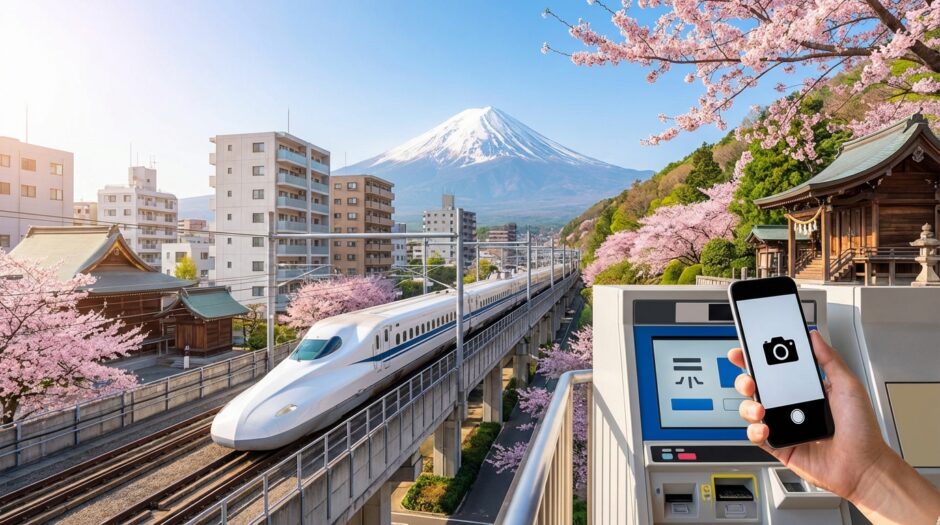

Beyond the Pictures: The Google Lens Hack for Navigating Kanji-Only Ticket Machines 🚉✨
You’ve finally arrived in Japan. The air smells like toasted sesame and adventure. You’ve mastered the Suica card on your iPhone, and you feel like a local. But then, you wander off the beaten path into a charming rural town or a legendary “hole-in-the-wall” ramen shop.
Suddenly, you’re face-to-face with your greatest nemesis: **The Legacy Ticket Machine.** No English button. No pictures. Just a glowing wall of complex Kanji (Chinese characters used in Japanese) staring back at you. The line behind you is growing. Your heart rate is climbing.
Don’t sweat it! At Japan Hacks, we believe technology should be your superpower. Today, I’m showing you how to turn your smartphone into a universal translator using the ultimate travel cheat code: **Google Lens.**
🇯🇵 Japan Hacks: Quick Summary
- ✅ Download Google Lens: It’s a separate app on Android or built into the Google app on iPhone.
- ✅ Instant Translate: Use the “Translate” mode to overlay English text directly onto the machine’s buttons.
- ✅ Avoid the “Panic Purchase”: Lens helps you find hidden options like “Extra Chashu” or “Child Fare” without guessing.
- ✅ Respect the Flow: Have the app open before you reach the front of the line!
📸 The Magic of “Live View” Translation
Most travelers know Google Translate for typing in phrases. But when you’re at a Jidouhanbaiki (vending machine) or a ticket kiosk, you don’t have time to type “Where is the button for the rapid express train?”
Google Lens uses your camera to perform “Augmented Reality” translation. As you point your phone at the screen, the Japanese characters literally transform into English (or your native language) right before your eyes. It feels like magic, and it’s a total game-changer for independent travel.
💡 Pro-Tip:
Download the Japanese language pack for offline use in the Google Translate app settings. This ensures you can still decode those machines even in underground stations with spotty Wi-Fi!
🍜 Not Just for Trains: The Ramen Shop Secret
If you’re hunting for the best ramen in Tokyo or Fukuoka, you’ll likely encounter a “Ticket Vending Machine” at the entrance. These machines are efficient but notoriously difficult for non-readers. Often, the buttons only say things like 特製ラーメン (Special Ramen) or 替玉 (Noodle Refill).
Without Google Lens, you might end up with a bowl of plain noodles when you actually wanted the “all-toppings deluxe” version. By using the app, you can distinguish between “Spicy Miso” and “Soy Sauce Base” in seconds. No more “order roulette”!
Why Use Google Lens Instead of Guessing?
| The “Guessing” Method | The Google Lens Hack |
|---|---|
| High Stress | Total Confidence & Calm |
| Wrong Ticket Errors | Get Exactly What You Paid For |
| Slows Down the Line | Fast, Modern Efficiency |
| Limits Your Food Choices | Unlock Customizations & Toppings |
🛠️ Step-by-Step: How to Master the Hack
Ready to try it? Follow these simple steps to look like a tech-savvy pro at the station:
- Open the App: On iPhone, open the Google App and tap the camera icon in the search bar. On Android, open the Google Lens app directly.
- Select ‘Translate’: Slide the menu at the bottom to the “Translate” mode.
- Point and Hold: Center the Kanji-only screen in your viewfinder. Keep your hand steady.
- Read the Overlay: Watch as the Japanese text turns into English. Look for keywords like 大人 (Adult), 小児 (Child), or 片道 (One-way).
- Tap the Button: Once you’ve identified the right option, move your phone away and press the physical button or touch screen on the machine.
⚠️ Manner Alert!
Japanese etiquette prizes efficiency. If there is a long line of commuters behind you, don’t stand at the machine for 5 minutes trying to translate every single button. If you’re struggling, step aside, let a few people pass, and prepare your app before stepping up again.
💡 Advanced Hack: The “Freeze Frame”
Sometimes, the light reflecting off a glossy ticket machine screen makes the “Live” translation flicker or look messy. This can be frustrating when you’re trying to read small text.
The Fix: Instead of just hovering, take a photo within the Lens app. Once the photo is captured, Lens will “freeze” the text and provide a much more stable and accurate translation of the entire layout. You can then zoom in on specific sections without the image jumping around!
💡 Pro-Tip:
This hack also works for Air Conditioning (AC) remotes in your hotel or Airbnb! Those remotes are notorious for having 20+ Kanji buttons with no icons. One quick snap with Google Lens and you’ll know exactly which button is “Dehumidify” and which is “Turbo Cool.”
🌈 Adventure Awaits Those Who Can Read
Japan is a country where “efficiency” meets “tradition.” While cities like Tokyo and Osaka are becoming more English-friendly every day, the real magic of Japan often lies in the places that haven’t changed in decades.
By mastering Google Lens, you’re not just translating words; you’re unlocking access. You can ride the local bus in Kyoto, buy a limited-edition train ticket in Hokkaido, or order the “Chef’s Secret Special” in a basement izakaya in Shinjuku.
You’ve got the tools. You’ve got the tech. Now, get out there and explore the parts of Japan that most tourists are too afraid to navigate!